Typed signature
Type your name, get a signature
Enter your name, choose one of six cursive and calligraphy styles, and fine-tune the size, slant, and ink color. Download a clean transparent PNG — nothing you type leaves your browser.
Your signature preview will appear here
Prefer to draw it by hand? Try the handwritten signature generator.
How to create a typed signature
Three steps, all in your browser, nothing uploaded.
Type your name
Enter your full name, initials, or nickname. The preview updates as you type.
Pick a style
Try Flow, Ink, Formal, Grace, Sweep, and Ribbon, then adjust size, slant, and ink color.
Download the PNG
Save a tight, transparent, high-resolution PNG ready for documents and email footers.
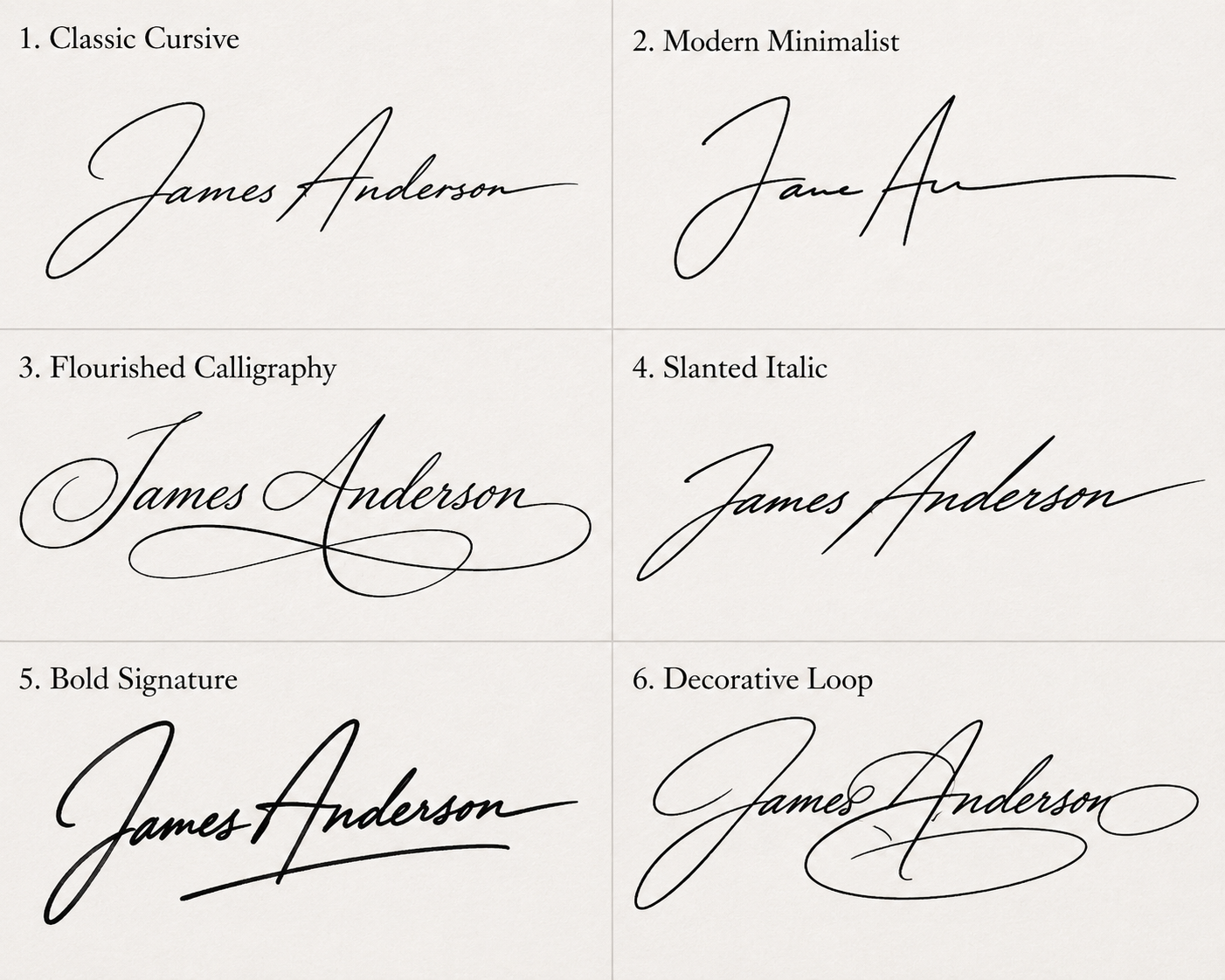
Six styles for one name
Each style carries a different tone. Flow and Sweep feel relaxed and modern, Formal and Grace lean elegant and traditional, while Ink and Ribbon add flourish. Cycle through them with your own name to find the one that matches how you want to sign.
Typed signature questions
Can I change the font after downloading?
The PNG is a fixed image, so switch styles before you download. You can come back and generate a new one anytime — it's free and unlimited.
Is the background transparent?
Yes. Every download is a transparent PNG, so it drops cleanly onto white pages, colored forms, or dark email footers.
Will it look sharp when printed?
The export is rendered at 4× resolution, so it stays crisp on screen and in print at normal signature sizes.
Is a typed signature legally valid?
In many cases yes, but it depends on the document and jurisdiction. See our guide on whether an online signature is legally binding.